
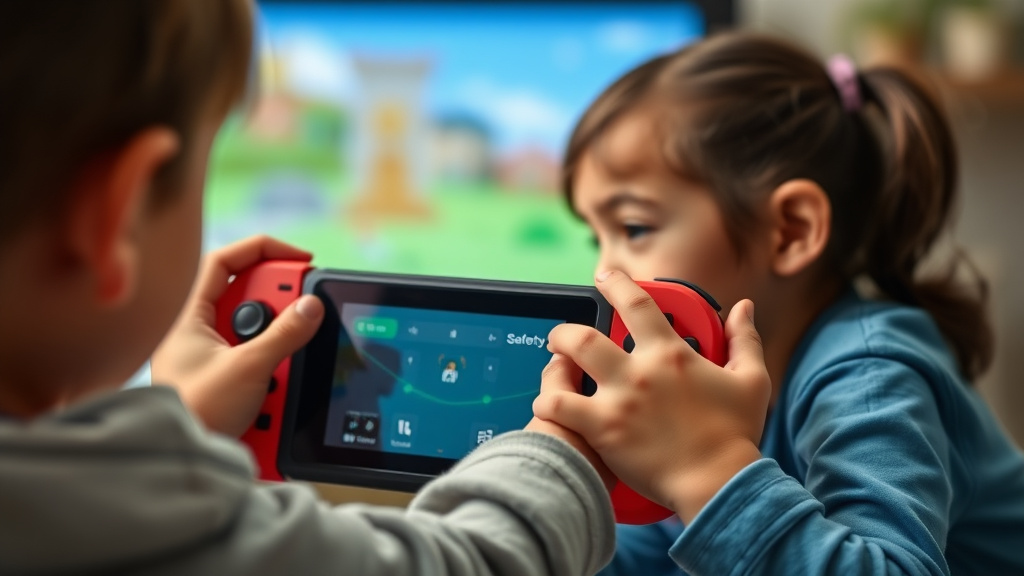
Nintendo has taken a meaningful move toward promoting safer gaming spaces by releasing an extensive guide to its parental control features. As gaming becomes increasingly popular with families, understanding how to manage content and screen time is increasingly crucial. This comprehensive resource equips parents with the knowledge and tools required to create personalized gaming experiences that align with their family’s values. Discover how Nintendo’s intuitive parental controls enable families to enjoy gaming together while maintaining appropriate boundaries and safeguarding younger players.
Learning About Nintendo’s Parental Control Features
Nintendo’s family safety controls represents a complete solution to family gaming safety, giving parents precise management over their kids’ gaming activities. These capabilities permit guardians to prevent content unsuitable for children, establish daily time restrictions, and track gaming habits across Nintendo devices. By learning how to use these features, parents can build responsible gaming patterns while enabling their children to play the games they love in a safe and responsible manner.
The parental oversight framework is built with user accessibility in mind, ensuring that even non-tech-savvy parents can navigate and configure settings with ease. Nintendo provides several levels of protection, including content filtering based on game ratings, purchase limits for digital purchases, and interaction controls for online interactions. This multi-faceted approach enables families to customize their gaming environment according to their specific needs and values.
Establishing Parental Controls on Nintendo Switch
Getting started with Nintendo Switch family controls is simple and intuitive. Parents can access the parental controls menu through the Settings menu, where they’ll find a dedicated section for family management. The setup process guides users through creating a parent account and linking child accounts to it. This essential step ensures that all subsequent restrictions and monitoring features are properly configured. Nintendo’s user-friendly design makes it easy to use for those unfamiliar with gaming technology, allowing parents to set up restrictions quickly and efficiently.
Once the parental account is established, users can adjust preferences for each child profile individually. This adaptability allows parents to tailor restrictions based on each child’s age and maturity level. The Switch enables control over game ratings, app access, and online communication features. Parents can additionally configure viewing time restrictions and receive notifications about gaming activity. The system maintains all preferences securely, ensuring that children cannot bypass restrictions without parent approval. This comprehensive approach provides peace of mind while maintaining a personalized gaming experience.
Nintendo’s guide includes step-by-step instructions with screenshots and instructional videos to help parents throughout the configuration process. Support documentation are offered in numerous languages, making it suitable for varied family groups worldwide. The company also delivers troubleshooting guidance for frequent issues and frequently asked questions. This comprehensive support system ensures parents can confidently implement parental controls and maximize the protective features found on their Nintendo Switch console.
Controlling Material and Display Usage Boundaries
Nintendo’s family protection settings offer comprehensive features for overseeing both maturity ratings and daily gaming duration. Parents can set age-suitable limits that prevent access to titles rated above their child’s developmental stage, guaranteeing only fitting content are available. Additionally, the system allows customization of session time limits, helping build positive gaming routines. These features function smoothly across all Nintendo devices, offering consistent protection whether children play at home or while traveling, offering parents peace of mind and oversight over their family’s gaming experience.
The screen time management feature enables parents to set weekly or daily playtime limits that restrict automatically access once the designated time expires. This functionality proves particularly valuable for preserving balance between gaming and alternative activities like homework, sports, and outdoor play. Parents receive notifications when limits are nearing, allowing for seamless transitions away from the console. The adaptable scheduling options support varying family schedules, whether setting strict boundaries on school nights or allowing extended play during weekends, making it flexible for each household’s unique needs and lifestyle.
Top Recommendations for Family Gaming Safety
Creating clear gaming guidelines within your household creates a foundation for responsible screen time habits. Establish set time boundaries for gaming sessions, create tech-free areas during meals and bedtime, and promote frequent pauses to reduce eye fatigue. Direct conversation with your children about game content enables them to grasp suitable game selections. By integrating Nintendo’s parental control features with these practices, families can foster responsible gaming habits while enjoying entertainment together in a thoughtful and measured manner.
Consistent review and adjustment of parental settings ensures they remain effective as children grow and their interests change. Check game ratings periodically, discuss online interactions with your children, and keep up to date about the games they play. Nintendo’s guide highlights the importance of joint decision-making between parents and children regarding gaming boundaries. This partnership approach builds trust while teaching digital literacy skills that extend beyond gaming, preparing young players for responsible use of technology throughout their lives.
